BIG INVOICE · Invoicing

Invoice on-site.
Get paid fast.

Send a professional invoice in seconds, right from the job site. Your logo. Your prices. Your photo of the work. No laptop required.

Get BIG INVOICE

How it works

Step 1

Tap New Invoice

Choose an existing client or add a new one on the spot. Name, phone, address — saved for next time.

Step 2

Add your line items

Labor, materials, parts — tap to add from your saved items list or type it in. Totals calculate automatically. No math.

Step 3

Attach job photos

Show the work you did, right on the invoice. Before and after. Proof of completion. Protects you if there's ever a dispute.

Included free — most apps charge extra

Step 4

Send as PDF

Text it or email it. Your client gets a clean, professional PDF with your logo and branding — not a screenshot of a spreadsheet.

Step 5

Mark it paid

Cash, check, Venmo — however they pay, you tap Mark Paid and the job is closed. Clean records without a subscription to a payment processor.
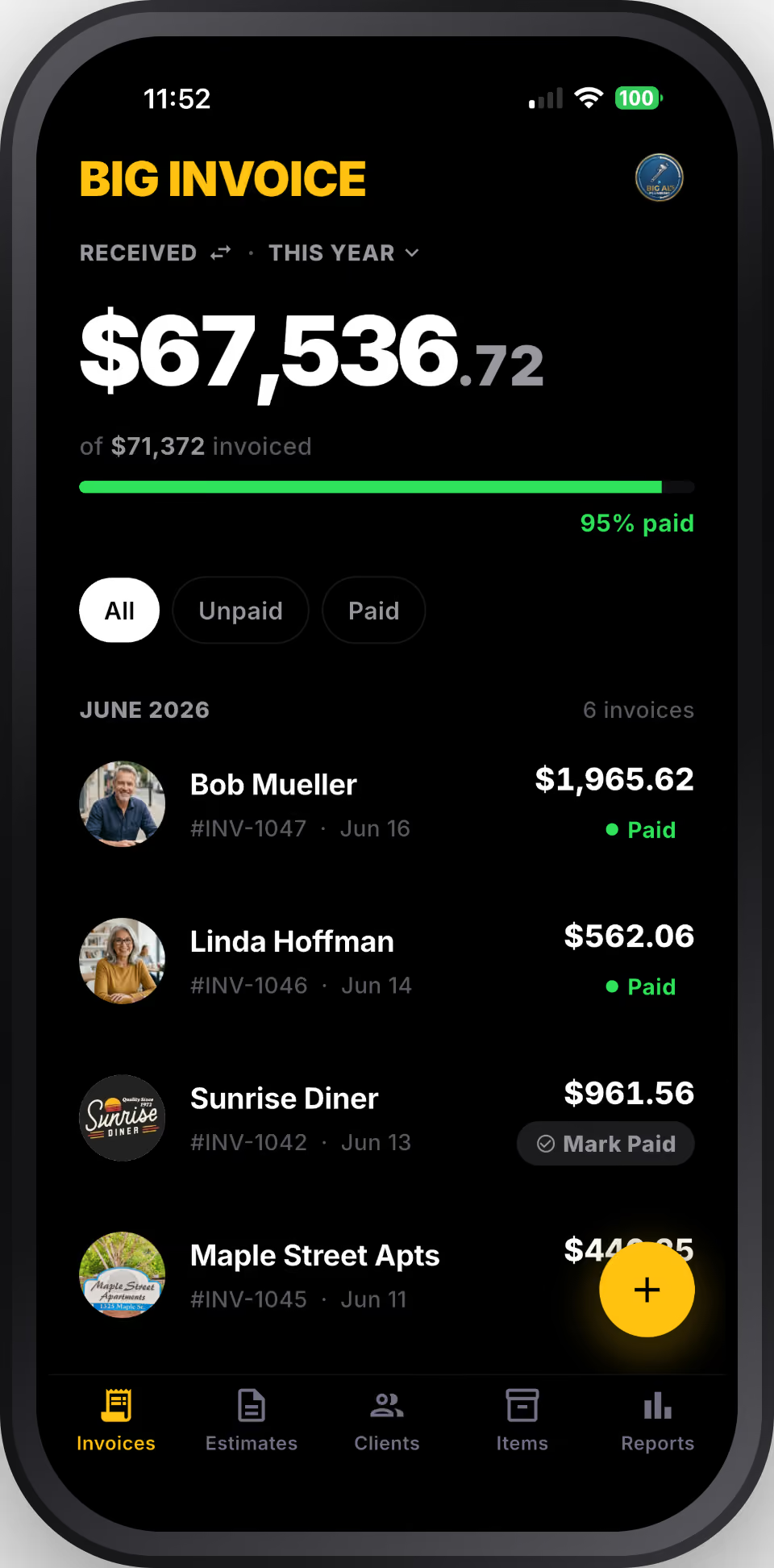
Why invoicing in BIG INVOICE

Your work, documented.

Attach photos of the finished job to every invoice. Show what you did, protect yourself if there's a dispute. No extra charge — it's included on every plan.

Looks professional, sends in seconds.

Your logo, clean line items, PDF format. Clients see a real business, not a handwritten note or a screenshot. First impressions close repeat jobs.

Simple is how most trades work.

Send the invoice. Collect payment your way — cash, check, whatever you use. Mark it paid and move on. No payment processor fees built into your invoice app.

Stop writing invoices by hand.

BIG INVOICE is free to download. Invoice two jobs free, then $9/month for unlimited.

Get BIG INVOICE for iOS