BIG INVOICE · Estimates
Add materials, labor, and markup from your saved price list. Send a link your client can approve on the spot.
Get BIG INVOICEStep 1
Open a new estimate
Choose an existing client or add one on the spot. Name, address, phone — saved for next time.
Step 2
Add items from your price book
Tap to pull in saved labor rates, materials, and services. Or type in a custom line item. Totals calculate automatically.
Step 3
Adjust quantities and markup
Change quantities, add a markup percentage, include notes. Everything the client needs to say yes right there.Converts to invoice in one tap
Step 4
Send by text or email
Your client gets a clean PDF estimate with your logo and branding. Looks like you've been doing this for years.
Step 5
Convert to invoice when approved
One tap turns the approved estimate into an invoice. No retyping. No starting over. The job is ready to bill.
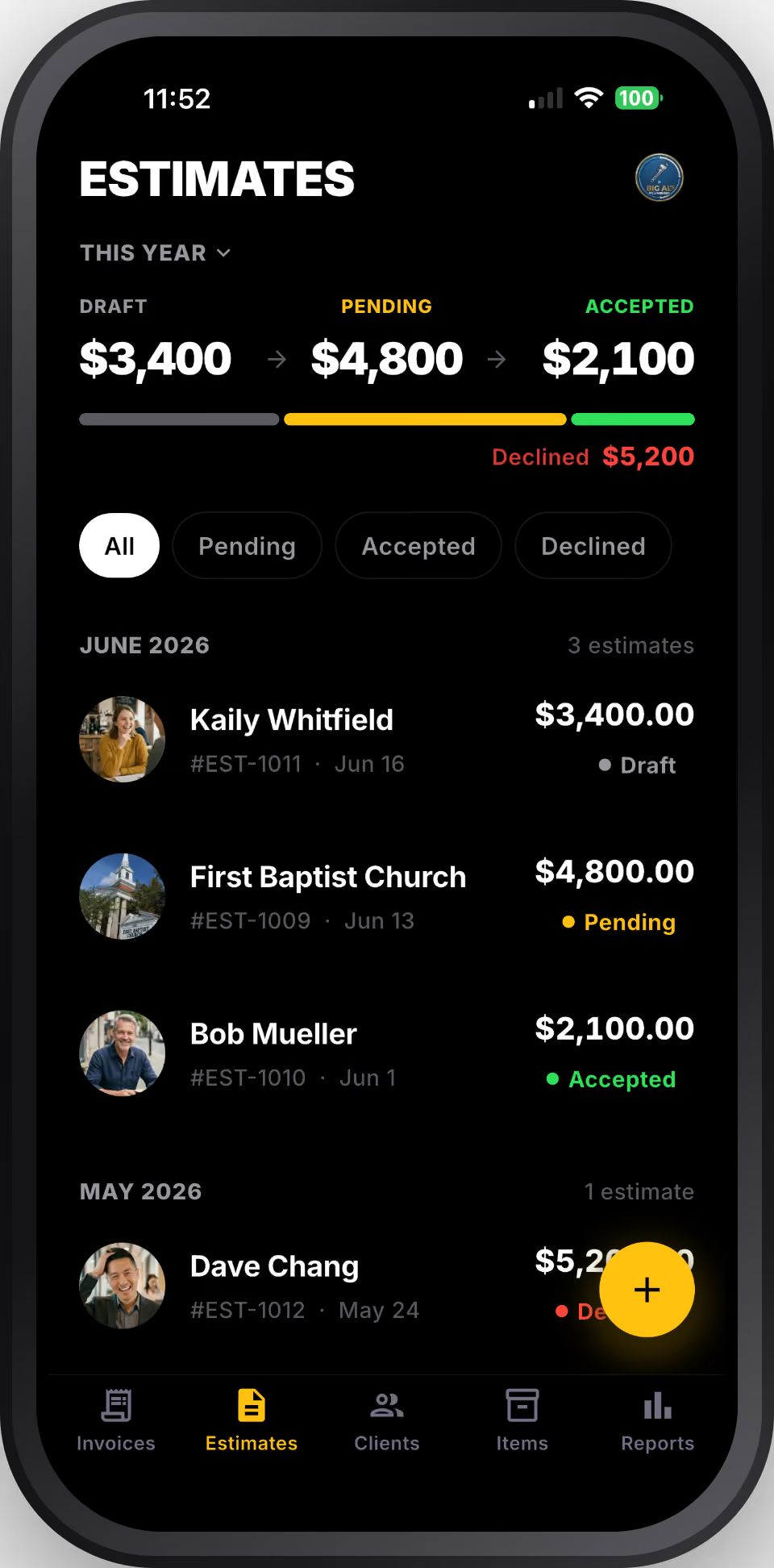
Win the job before you leave the driveway.
Send a professional estimate on-site while the client is standing right there. Faster follow-up means more jobs closed — before they call someone else.
No double entry, ever.
Estimates live in the same app as your invoices and clients. When the job is approved, one tap converts it. No spreadsheets, no copy-paste, no lost paperwork.
Price it right every time.
Your saved price book means you're pulling from real numbers, not guessing. Consistent pricing across every estimate. Fewer surprises for you and the client.
BIG INVOICE is free to download. Estimate two jobs free, then $9/month for unlimited.
Get BIG INVOICE for iOS